This article covers the following platforms
 MSFS 2024
 MSFS 2020
 ATS
ATS FSX
FSX Prepar3D
Flow starts its onboarding tutorial on its own when you load into an airport. If it doesn’t appear, check that Flow is enabled.
- Install Flow. See Install Flow in MSFS.
- Launch the simulator.
- Load into any airport. The onboarding tutorial should start.
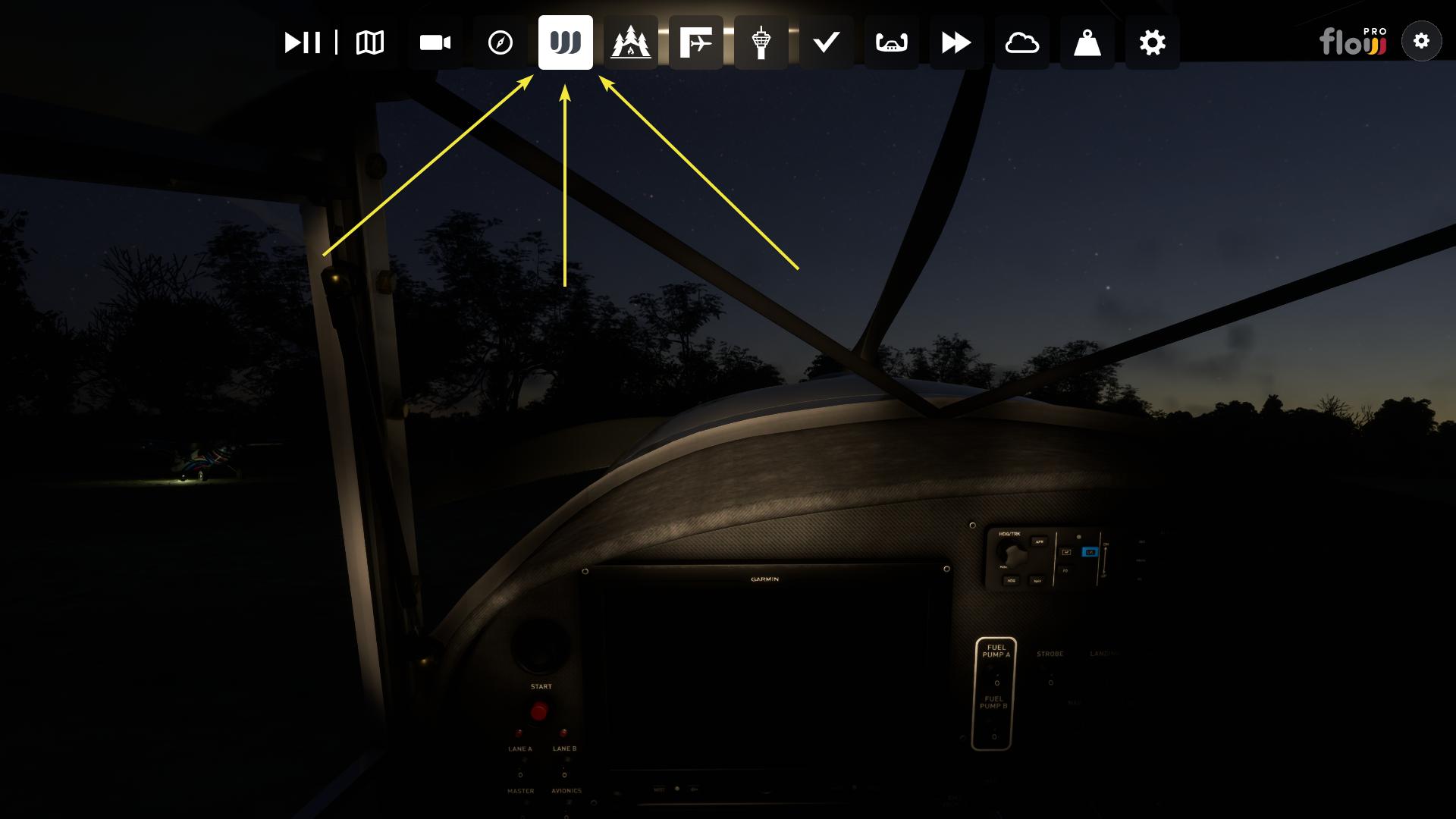
- If it doesn’t, click the Flow icon in the default menu bar and check that Flow is enabled (the icon turns white).