This article covers the following platforms
 MSFS 2024
 MSFS 2020
 ATS
ATS FSX
FSX Prepar3D
Stripr is a Windows application (.exe). It does NOT go in the Community folder.
- Unzip the .zip you downloaded from our store.
- Quit the simulator.
- Move Stripr Configurator.exe to a location of your choice. Keep it — you’ll need it for future configuration changes.
- Launch Stripr Configurator.exe.
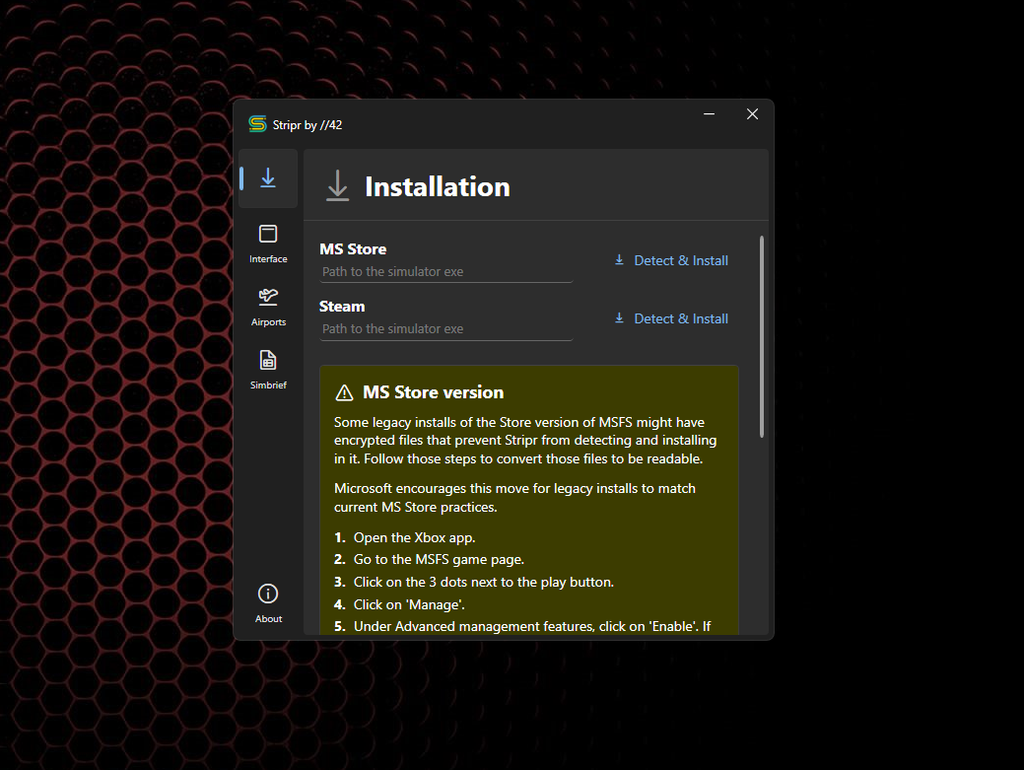
- Follow the setup instructions. Settings auto-save.
- Launch your simulator.