

This article covers the following platforms
 MSFS 2024
 MSFS 2020
 ATS
ATS FSX
FSX Prepar3D
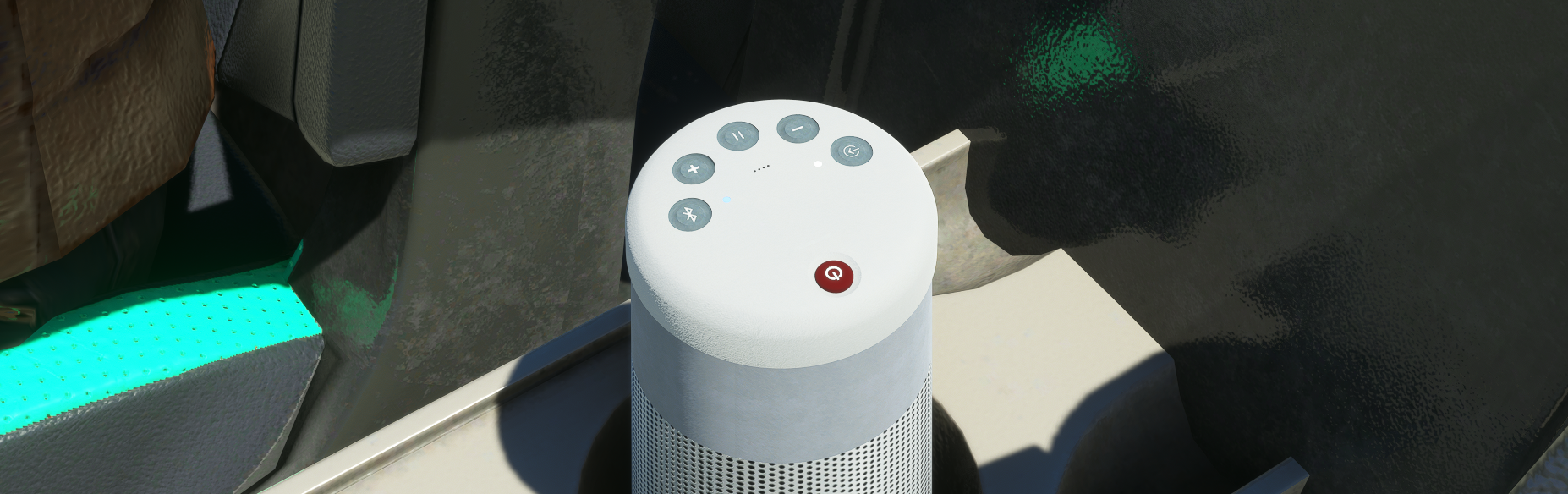
Yes. The radio station in the Juice Goose is a single file that loops. There are two ways to change it.
Option A: Replace the factory radio file
- Find your Community folder — the folder where MSFS loads add-ons from.
- Navigate to the following directory: \Community\p42-juice-goose\SimObjects\Airplanes\p42-juice-goose-242\sound
- Replace the p42-mav-radio file with one of your choice.
Option B: Create a custom package
This option keeps your custom music through product updates. Use our Custom Music Project to build it.
Supported audio formats (from the SDK)
We have tested .wav files up to 2Gb.
- The sound engine can load PCM *.wav format (16bits per sample), as well as Microsoft ADPCM *.wav compressed format. When the compressed format is used, Audio Compression Manager (ACM), an audio compression module included in Windows, is used to load the file.