

Redeem a Parallel 42 Store gift card by entering its code at checkout. The code arrives by email when the gift card is issued.
-
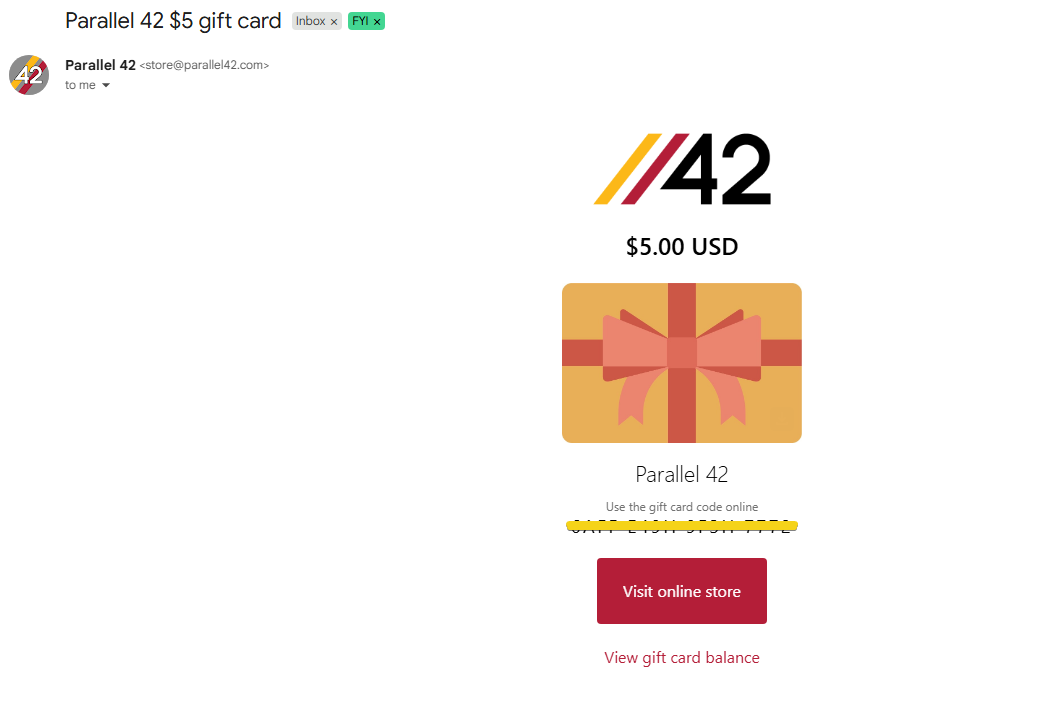
Find the gift card email from the Parallel 42 Store. It includes the gift card value, a unique gift card code, and a link to the online store. If you don’t see it, check your spam or promotions folder.
-
Log in to the Parallel 42 Store with the same account and email address that received the gift card. Gift cards are tied to the account.
-
Add the product you want to your cart.
-
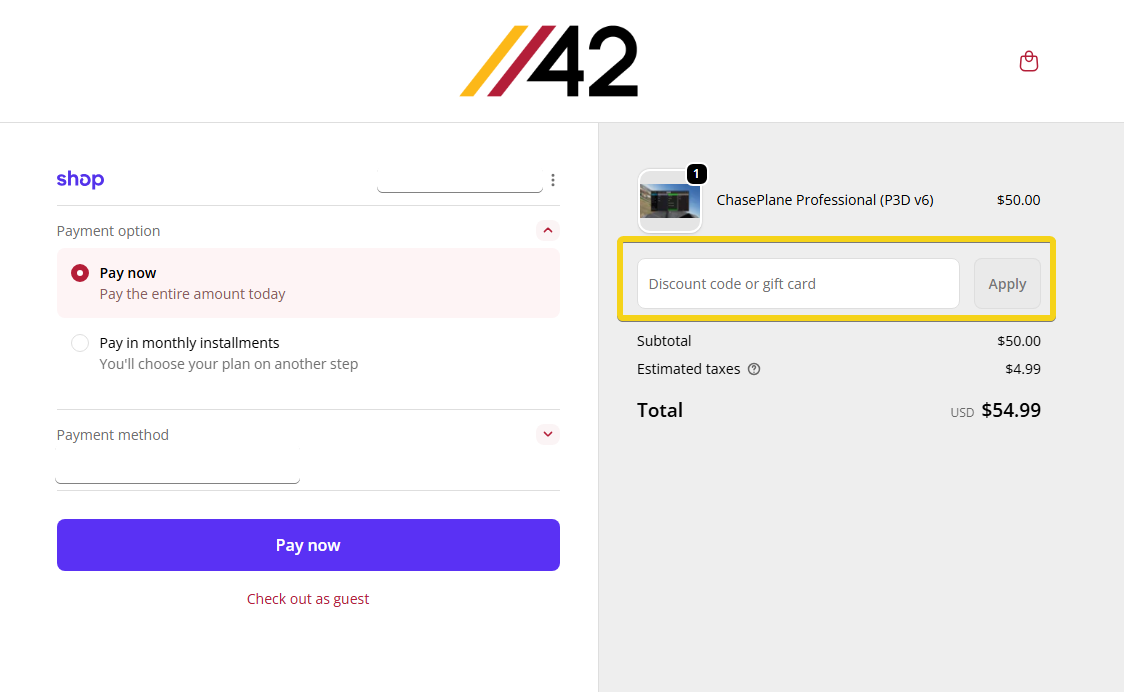
At checkout, enter the gift card code from the email into the gift card or discount code field, then apply it. Your total updates automatically.
-
Complete checkout. If the gift card covers the full amount, no payment is needed. If a balance remains, pay the difference.